OUT
A downloadable VR Project
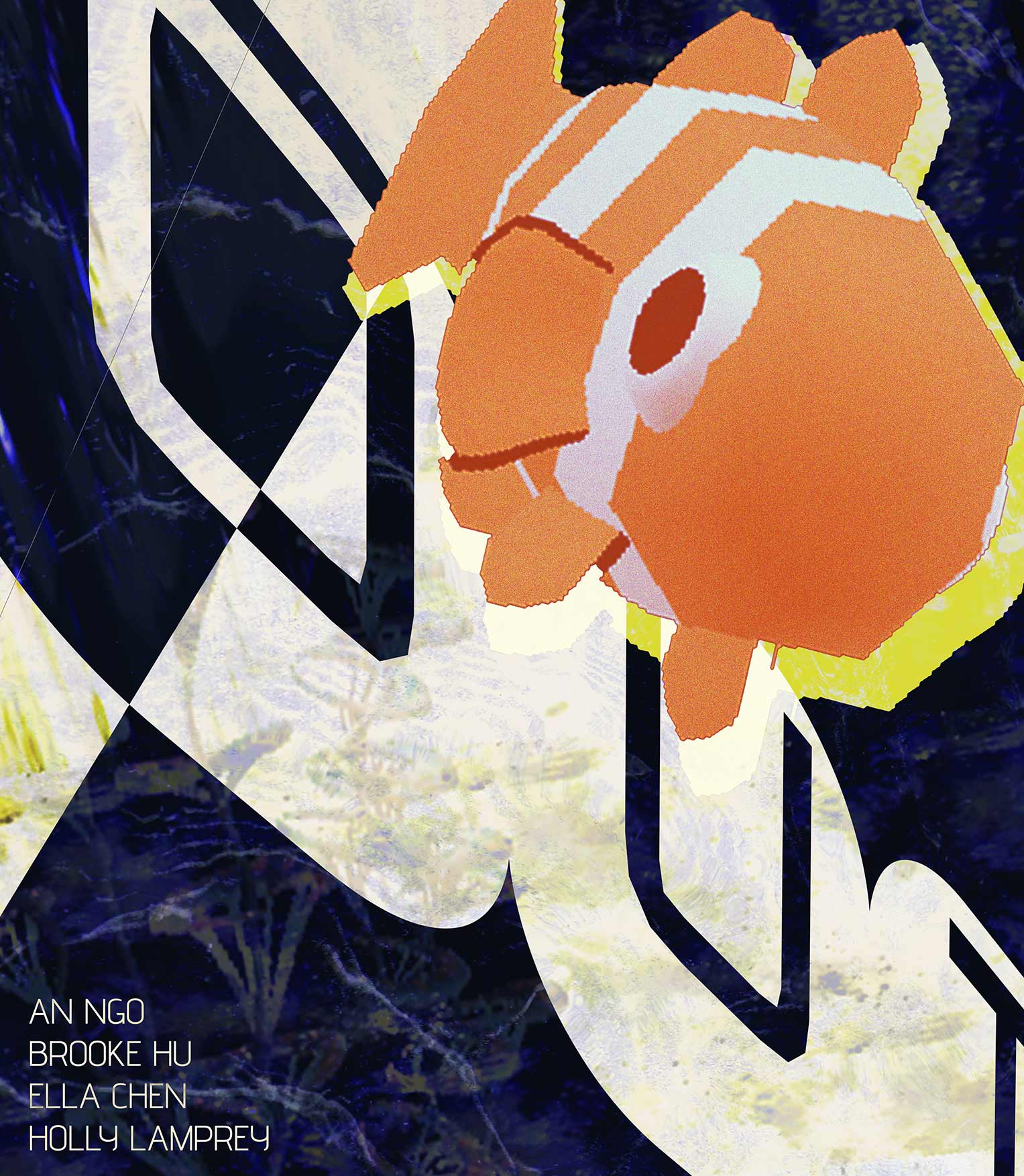
Darkness presses in from every side. Somewhere ahead, a single clownfish is waiting to lead you out.
OUT is an immersive VR experience set inside a maze of darkness. Using your hand gestures and swimming with your guide through winding caverns, feel the water resist and carry you, and follow the only route you have, until the walls fall away and a world far brighter than anything you imagined opens up around you.
- Swim with your bare hands. No controllers, no buttons. Reach, pull, and glide — your hands are the only input, tracked live by the headset.
- Weight and buoyancy. Every stroke is driven by real motion, with drag and lift that make the water feel like water.
- Spatial sound as a compass. Listen for your guide when you can't see it.
- Escape into discovery. The maze is only the beginning.
Download
Install instructions
Meta Quest 2, Quest 3, Quest 3S or Quest Pro. Hand tracking only — controllers are not supported.
This build is not distributed through the Meta Store, so it must be sideloaded onto your headset.
Before you start
You will need Developer Mode enabled on your headset, and a way to install APK files from a computer. The easiest option is SideQuest (sidequestvr.com), which walks you through both. Meta Quest Developer Hub and adb install also work if you already use them.
Installing
- Download
OUT_v1_Quest3.apkto your computer. - Enable Developer Mode: open the Meta Horizon app on your phone, select your headset, go to Headset Settings → Developer Mode, and turn it on. You may need to create a free Meta developer account first.
- Connect the headset to your computer with a USB-C cable. Put the headset on and accept the Allow USB debugging prompt.
- In SideQuest, use the "Install APK file from folder" button and select the APK.
- In the headset, open the app library and switch the filter from "All" to Unknown Sources. OUT will appear there.
Leave a comment
Log in with itch.io to leave a comment.